
Read WhatsApp voice notes without pressing play.
Free WA Voice to Text turns WhatsApp Web audio messages into readable text with one click. No setup. No configuration. Install it and start using it right away.
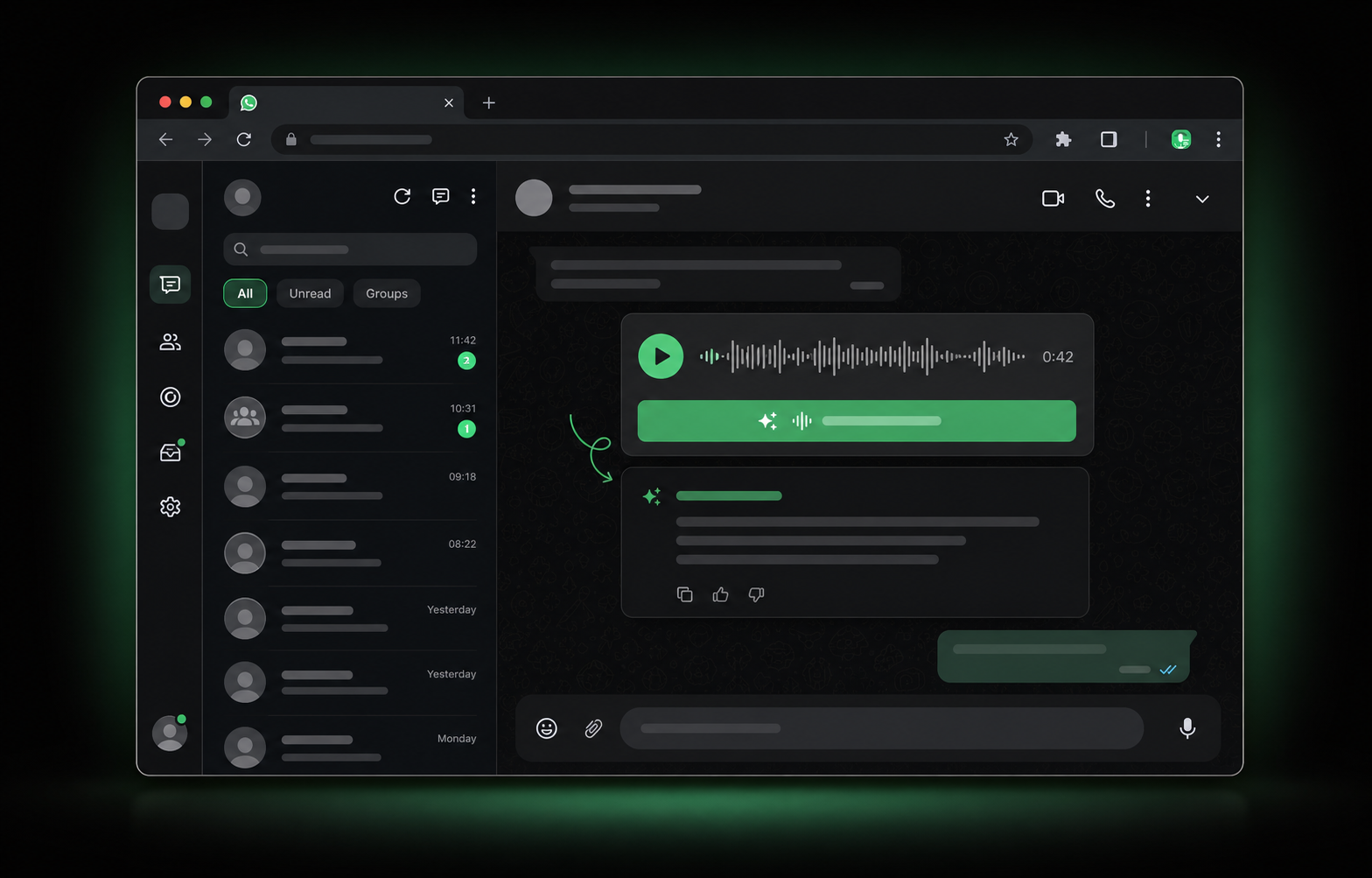
It is easy on purpose.
The extension is designed for people who just want to read an audio message quickly and move on.
Install once
Add the extension from the Chrome Web Store and open WhatsApp Web. There is no setup screen to complete.
Click to transcribe
When a voice note appears, click the transcription button and get readable text inside the conversation.
Read faster
Understand long audio messages without replaying them, switching devices, or looking for headphones.
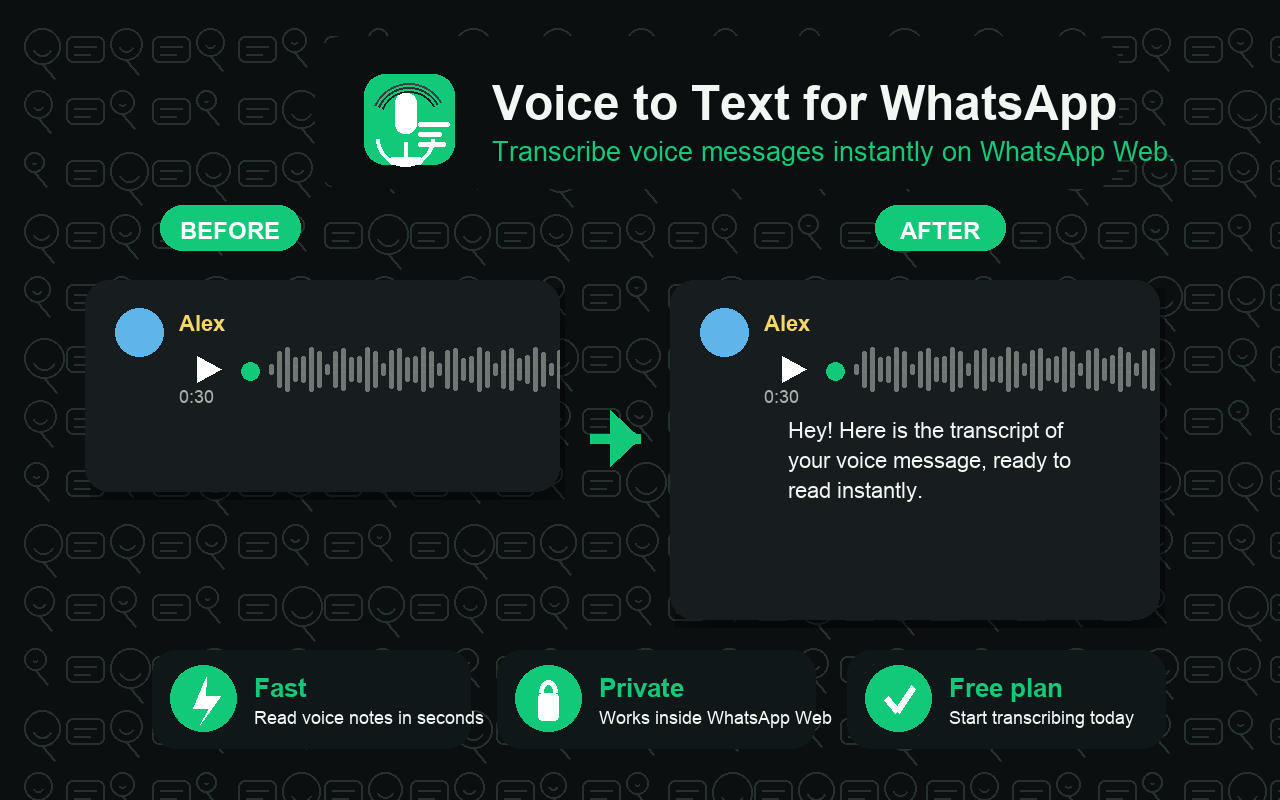
What users see after installing.
The extension works where the audio already is. Click the transcription action on a WhatsApp Web voice note and read the result without leaving the chat.
Totally free to install and use.
Start using Free WA Voice to Text immediately. Free minutes are included, so you can transcribe WhatsApp Web voice notes without choosing a paid plan first.
Useful whenever listening is inconvenient.
Read voice notes at work, in meetings, in quiet rooms, on public transport, or anytime you want the message without the audio.
For work conversations
Sales, support, operations, recruiting, and client conversations are easier when voice notes become text.
For focus
Stay on your computer and keep reading instead of replaying audio messages again and again.
For quick replies
Understand the message quickly and respond faster without breaking your workflow.
Install it, open WhatsApp Web, and start reading voice notes.
No complicated onboarding. No manual configuration. Just a free extension built to make WhatsApp audio easier to handle.